
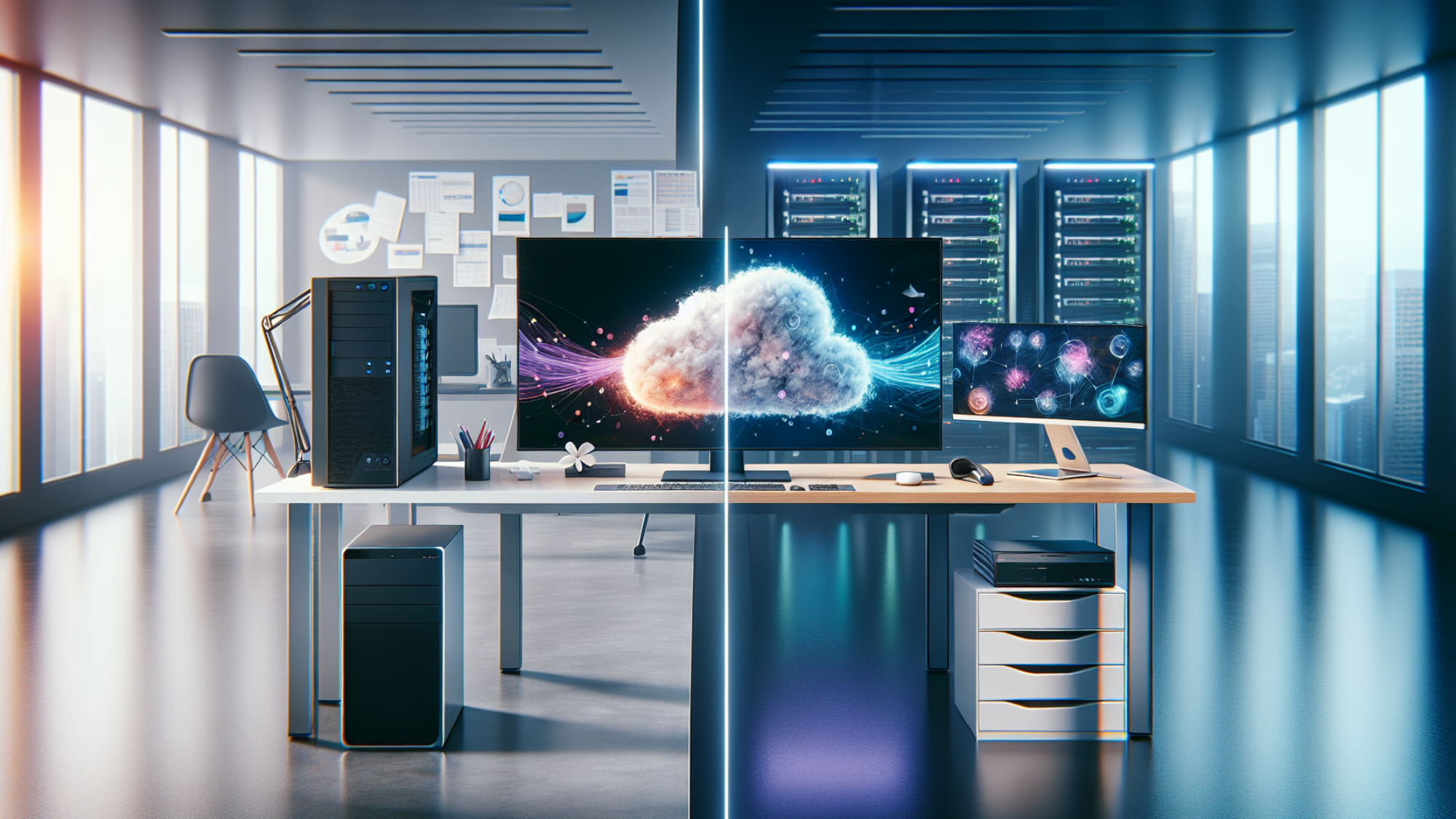
In today’s dynamic work landscape, businesses are constantly seeking the most efficient, secure, and flexible computing environments for their employees.The choice often boils down to two primary approaches: the traditional Client System or the more modern Client Virtual Desktop Infrastructure (VDI). While both serve the fundamental purpose of providing users with access to applications and data, their underlying architectures, management paradigms, and implications for businesses are vastly different. Understanding these distinctions is crucial for making an informed decision that aligns with your operational needs and strategic goals.
This comprehensive guide will delve into the core definitions, advantages, disadvantages, and ideal use cases for both Client Systems and Client VDI, helping you navigate the complexities and choose the path that empowers your workforce most effectively.
What Exactly is a Client System?
At its core, a Client System refers to the traditional, physical computer that most people are familiar with—a desktop PC or laptop. Each Client System is a self-contained unit featuring its own operating system (like Windows, macOS, or Linux), applications, processing power (CPU), memory (RAM), and local storage (SSD/HDD). Users interact directly with this hardware, and all their work, applications, and data are typically stored and processed on that specific machine.
Key Characteristics of a Client System:
- Local Processing: All computational tasks occur directly on the device.
- Local Storage: Data and applications reside on the device’s hard drive.
- Independent Operation: Can often function offline, provided necessary applications and data are local.
- Direct Hardware Interaction: Users experience direct access to the computer’s resources.
- Individual Management: Each machine requires individual setup, maintenance, and updates.
Traditional Client Systems have been the backbone of computing for decades, offering robust performance and a high degree of control to the end-user. They are straightforward to understand and deploy for individual users or small businesses with minimal IT overhead.
Demystifying Client Virtual Desktop Infrastructure (VDI)
Client Virtual Desktop Infrastructure (VDI) represents a fundamentally different approach. Instead of users working on individual, self-contained physical computers, VDI centralizes desktop environments on powerful servers within a data center or the cloud. Each user is assigned a “virtual desktop”—a virtual machine (VM) running an operating system and applications—which they access remotely from a variety of client devices. These client devices can be thin clients (low-power, minimal hardware devices), zero clients (even simpler, purpose-built devices), traditional PCs, laptops, tablets, or even smartphones.
Key Characteristics of Client VDI:
- Centralized Processing & Storage: Desktops, applications, and data are hosted and managed on central servers.
- Remote Access: Users connect to their virtual desktop over a network (LAN, WAN, internet).
- Device Independence: The user’s client device merely serves as a window to the virtual desktop; minimal local processing occurs.
- Unified Management: IT teams manage a consolidated server infrastructure, streamlining deployment, updates, and security.
- Enhanced Security: Data resides in the data center, not on endpoint devices, reducing the risk of data loss from theft or device compromise.
VDI has gained significant traction, especially with the rise of remote work and the increasing need for agile and secure IT environments. According to a 2023 report, the global VDI market size is projected to grow substantially, indicating a clear trend towards centralized computing solutions in enterprises.
Client VDI vs. Client System: A Head-to-Head Comparison
To truly understand which solution is right for your business, let’s compare Client VDI and Client Systems across several critical dimensions.
Management and Maintenance
- Client System: Managing a fleet of traditional PCs can be resource-intensive. Each machine requires individual operating system installations, software deployments, patches, updates, and troubleshooting. While tools exist for remote management, the fundamental distributed nature means more granular effort per device.
- Client VDI: Management is significantly streamlined. Since all virtual desktops are hosted centrally, IT can deploy new desktops, update applications, patch operating systems, and backup data from a single console. This drastically reduces the time and effort required for routine maintenance, allowing IT teams to focus on strategic initiatives rather than individual device support.
Security
- Client System: Security is distributed across numerous endpoints. If a laptop is lost or stolen, the data on it is vulnerable. Endpoint security measures are critical but managing them across a wide array of devices can be challenging. Each device represents a potential entry point for malware or breaches.
- Client VDI: Offers a robust security posture. All corporate data and applications reside securely within the data center, never on the endpoint device itself. If a thin client is lost or compromised, no sensitive data is on it. Centralized security patching and policy enforcement are easier to implement and monitor, leading to a more consistent security environment. Data backups and disaster recovery are also simplified and more reliable.
Performance
- Client System: Performance is directly tied to the individual machine’s hardware specifications. A high-end workstation offers excellent performance for demanding applications like video editing or CAD. However, performance can degrade over time as hardware ages or software requirements increase.
- Client VDI: Performance can be more consistent and scalable. Users get a predictable experience based on the server resources allocated to their virtual desktop. For demanding applications, more server resources (CPU, RAM, GPU) can be provisioned. However, network latency can impact the user experience, especially with high-resolution graphics or unreliable internet connections. The performance of the underlying server infrastructure is paramount.
Cost Implications
- Client System:
- Initial Cost: Higher upfront cost per device (laptops, desktops) due to full hardware components.
- Ongoing Cost: Power consumption, individual software licenses, hardware refresh cycles (typically every 3-5 years), and distributed IT support costs.
- Client VDI:
- Initial Cost: Can have a high upfront cost for server infrastructure, virtualization software, and potentially network upgrades. Thin clients are cheaper than PCs, but server hardware is expensive.
- Ongoing Cost: Power for data centers, licensing for virtualization software and client access licenses (CALs), and the ongoing management of the central infrastructure. While individual endpoint costs are lower, the data center costs can be significant. Often, VDI offers a lower Total Cost of Ownership (TCO) over a 5-year period for large deployments due to reduced management, increased security, and extended endpoint refresh cycles.
Flexibility and Accessibility
- Client System: Offers offline access and full local control. Great for users who frequently work without an internet connection or need specialized hardware peripherals. Less flexible in terms of changing work locations or devices seamlessly.
- Client VDI: Exceptional flexibility. Users can access their personalized desktop environment from virtually any device, anywhere, provided they have an internet connection. This is ideal for remote workers, contractors, and employees who hot-desk or need to switch between devices frequently. Enables BYOD (Bring Your Own Device) policies more securely.
User Experience
- Client System: Provides a rich, direct user experience, especially for graphics-intensive tasks or applications requiring low latency. Users have complete control over their local environment.
- Client VDI: User experience can vary based on network quality, server load, and VDI configuration. With proper setup and sufficient bandwidth, the experience can be nearly indistinguishable from a physical PC. However, poor network conditions can lead to lag, making it frustrating for users. Advanced VDI solutions often include technologies to optimize the user experience for multimedia and graphics.
When to Choose a Traditional Client System
A traditional Client System remains the preferred choice in several scenarios:
- Small Businesses: For small organizations with limited IT resources and fewer than 20-30 employees, the complexity and upfront investment of VDI might be overkill.
- Performance-Intensive Workloads: Users requiring significant local processing power, such as graphic designers, video editors, software developers compiling large projects, or engineers running complex simulations, often benefit from the raw power of a dedicated workstation.
- Offline Work Requirements: Employees who frequently work in areas with no or unreliable internet access (e.g., fieldwork, remote sites) need the self-sufficiency of a local machine.
- Specialized Hardware: If your workflow relies heavily on specific local peripherals that are challenging to virtualize (e.g., certain lab equipment, industrial machinery interfaces).
- Budget Constraints: If the upfront investment in server infrastructure for VDI is prohibitive and a distributed purchasing model for individual PCs is more manageable.
When to Embrace Client VDI
VDI shines brightest in environments that demand centralized control, enhanced security, and maximum flexibility:
- Large Enterprises: With hundreds or thousands of users, the management efficiencies and security benefits of VDI far outweigh the initial investment.
- Remote and Hybrid Workforces: Organizations with a significant number of remote employees, field staff, or those adopting a hybrid work model find VDI ideal for providing consistent, secure access from anywhere. A 2022 survey revealed that over 60% of organizations with VDI reported improved support for remote work.
- Strict Security and Compliance: Industries like healthcare, finance, or government, where data security and regulatory compliance are paramount, benefit immensely from VDI’s centralized data storage and robust security features.
- Seasonal or Contractor Workforces: VDI allows for rapid provisioning and de-provisioning of desktops, making it perfect for temporary staff or contractors, ensuring they have access only for the duration needed.
- Bring Your Own Device (BYOD) Programs: VDI enables users to access corporate resources securely from their personal devices without installing corporate software locally, enhancing security and reducing hardware costs for the organization.
- Public Access & Kiosks: Environments like libraries, call centers, or educational institutions can leverage VDI for easy reset and consistent user experiences.
The Hybrid Approach: Best of Both Worlds?
Many organizations are finding that a hybrid approach—utilizing both Client Systems and Client VDI—offers the most practical solution. For example, highly specialized users (e.g., engineers, creatives) might retain traditional powerful workstations, while administrative staff, remote workers, and general knowledge workers utilize VDI. This strategy allows businesses to optimize resources, security, and user experience for different employee roles and needs.
Conclusion
The decision between a Client System and Client VDI is not about one being inherently “better” than the other, but rather about which solution best fits your organization’s specific requirements, strategic goals, and budget. Traditional Client Systems offer robust local performance and simplicity for smaller setups or specialized roles. Client VDI, on the other hand, provides unparalleled centralization, security, and flexibility, making it an increasingly attractive option for modern enterprises embracing remote work, strict compliance, and scalable IT management.
By carefully evaluating your workforce’s needs, your security posture, IT capabilities, and long-term vision, you can choose the computing environment that will empower your employees and drive your business forward efficiently and securely.
Ready to explore which computing environment is right for your organization? Consult with an IT infrastructure expert today to analyze your specific needs and design a tailored solution.